


10 Quick Tech Hacks that Can Improve Your Daily Life
These quick tech hacks can make daily life a little easier, whether you are browsing websites, shopping online, or just trying to get through the day with fewer small digital annoyances.
1 Undo a Closed Tab in One Second

One of the most useful browser shortcuts is Ctrl+Shift+T. In Chrome and Edge on Windows, Linux, and ChromeOS, it reopens the tab you just closed; on Mac, the equivalent is Command+Shift+T. Safari on Mac also supports Shift+Command+T for reopening the last closed tab.
More productive shortcuts you can use as future points
- Ctrl+L jumps straight to the address bar
- Ctrl+F searches for a word on the current page
- Ctrl+Tab and Ctrl+Shift+Tab move between tabs
- Ctrl+1 to Ctrl+8 jumps to a specific tab, and Ctrl+9 jumps to the last tab
- Ctrl +W closes the current tab
- Windows+V opens the Clipboard history in Windows, though you need to turn it on first
2 Compare Prices Across Devices and Accounts Before You Buy Anything

It sounds a little extra, but checking the same product on another device, browser, or account can sometimes save real money. The FTC says some pricing systems can use signals like your location, browsing behavior, purchase history, time, and sales channel to show different prices or discounts to different people, older but well-known.
Northeastern Research also found examples of online price discrimination and “member†discounts, as well as cases where some sites showed different results to mobile users. That means it is smart to compare prices while signed in, signed out, and on another device before buying. Same product, same seller, surprisingly different total.
3 Use Unique Email Aliases to Catch Spam Sources Fast Online
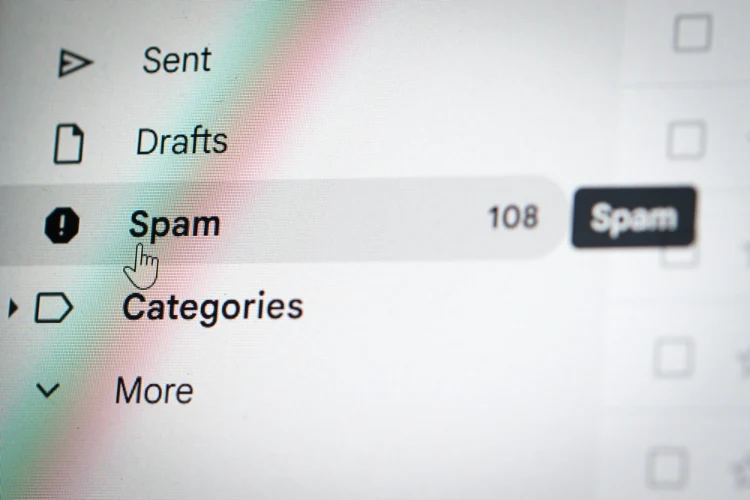
Using a custom domain with a catch-all inbox is a smart way to track where your email gets exposed. The idea is simple: sign up to each service with a unique address like [email protected] or [email protected], and let all of them forward to your main inbox. Catch-all setups are designed to receive mail sent to any address on your domain, even if you never created that exact address beforehand. If one alias suddenly starts getting spam, you know which company the address came from, or at least where it was leaked. It is not proof that they sold it, but it is a very useful breadcrumb.
4 Use Temporary Emails for One-Off Signups Only
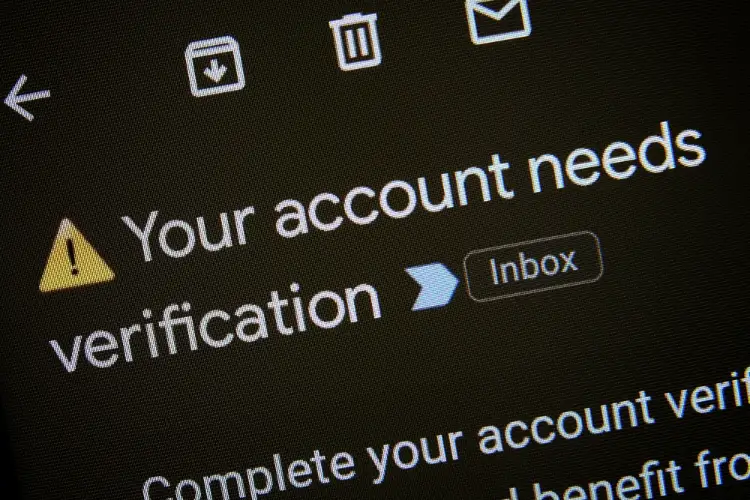
Disposable email services like Temp Mail can be handy when a website needs your email for a one-time download, a trial, or a throwaway signup. They give you a temporary address so your real inbox doesn’t get flooded with spam later. Mozilla says disposable addresses can help reduce spam and protect privacy, and Privacy International notes that services such as Temp Mail work best for short-lived, one-time uses. The catch is important, though: these inboxes can expire, and some may be public or easy to access, so they are a bad idea for banking, shopping, receipts, password resets, or anything important.
5 Paste Without the Mess and Keep Your Text Clean Everywhere
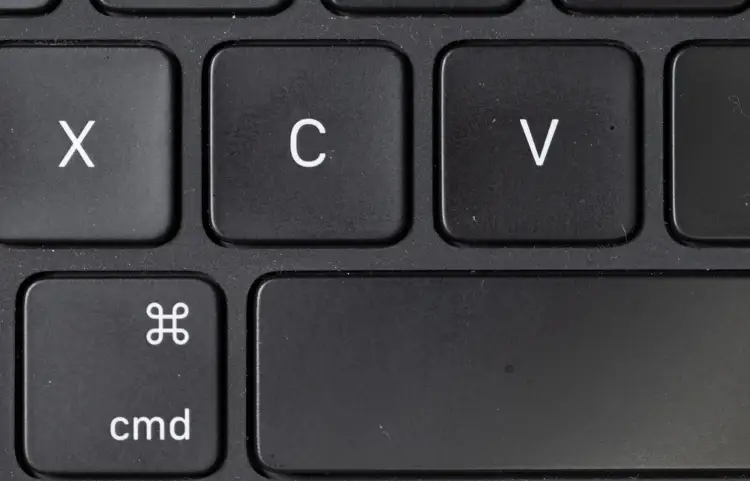
Learning Ctrl+Shift+V can save a surprising amount of time because it pastes text without extra formatting like bold, colors, fonts, and weird spacing in many apps. Google Docs officially supports it on desktop, and Microsoft also lists Ctrl+ Shift+V as “paste text only†in Word. On Mac, a similar shortcut is often Option+Shift+Command+V for “Paste and Match Style.†The catch is that this isn’t universal across all apps, so it works best as a handy habit rather than a guaranteed rule. It is perfect for notes, spreadsheets, forms, and cleaning up messy copied text.
6 Host More Yourself and Pay Fewer Monthly Cloud Bills

Self-hosting can be a surprisingly good money-saver if you are paying for separate subscriptions for file storage, personal websites, media libraries, or smart-home tools. Privacy Guides notes that self-hosting gives you more control by running apps and data on your own hardware rather than on someone else’s cloud, and platforms like Nextcloud are built around that idea for files, photos, calendars, and more. The trade-off is that updates, backups, uptime, and security become your job, so it saves money best when you are comfortable maintaining your own setup. Tiny server, big “why am I paying all these subscriptions†energy.
7 Put a VPN on Your Streaming Stick Too

People usually think about VPNs for phones and laptops, but a VPN on your streaming stick can be useful too. A lot of people set up a vpn for firestick for a little extra privacy on hotel or shared Wi-Fi, and because streaming catalogs can vary by country when they travel. Amazon supports downloading apps directly to Fire TV devices through the Appstore, and Netflix says its library changes by country and region. That makes a VPN one of those small digital-life tools people often add to a streaming setup when they want a bit more control over how and where they watch.
8 Use Date Filters to Dodge Newer AI Images in Search

Adding “before:2022” to a Google search can be a handy workaround when image results are flooded with newer AI art. Google’s Search Help says you can narrow results with search operators, and Google’s Search Liaison has said the before: and after: operators still work in beta as long as you use either a year or a full date like YYYY-MM-DD. So searches like “baby peacock before:2022” or “architecture after:2019-01-01 before:2021-12-31” can push Google toward older pages and cleaner reference images. It is not a magic anti-AI switch, but it is a pretty solid search hack when you want less synthetic slop.
9 Wrong Answers Trigger Faster Replies Online
There is a reason this works online. It is often called Cunningham’s Law: people are more likely to jump in and correct a confident wrong answer than calmly answer a normal question. That does not make it a great habit, but it does explain why obvious mistakes get instant engagement. Online, being wrong is sometimes the fastest way to summon a crowd of unpaid fact-checkers.
10 Remember the Internet is Loud, not Always Real Life

One of the healthiest digital habits is remembering that the Internet is not a perfect mirror of real life. Online spaces often reward the loudest, meanest, or most extreme voices, so a few angry comments can feel much bigger than they really are. That is why it helps to keep a little distance between online noise and your actual life. Not every insult deserves your attention, and not every opinion online reflects what normal people think offline. Sometimes the smartest digital fix is simply refusing to let the internet decide your mood.